

Excel Skills Every CMA & CA Student Must Learn
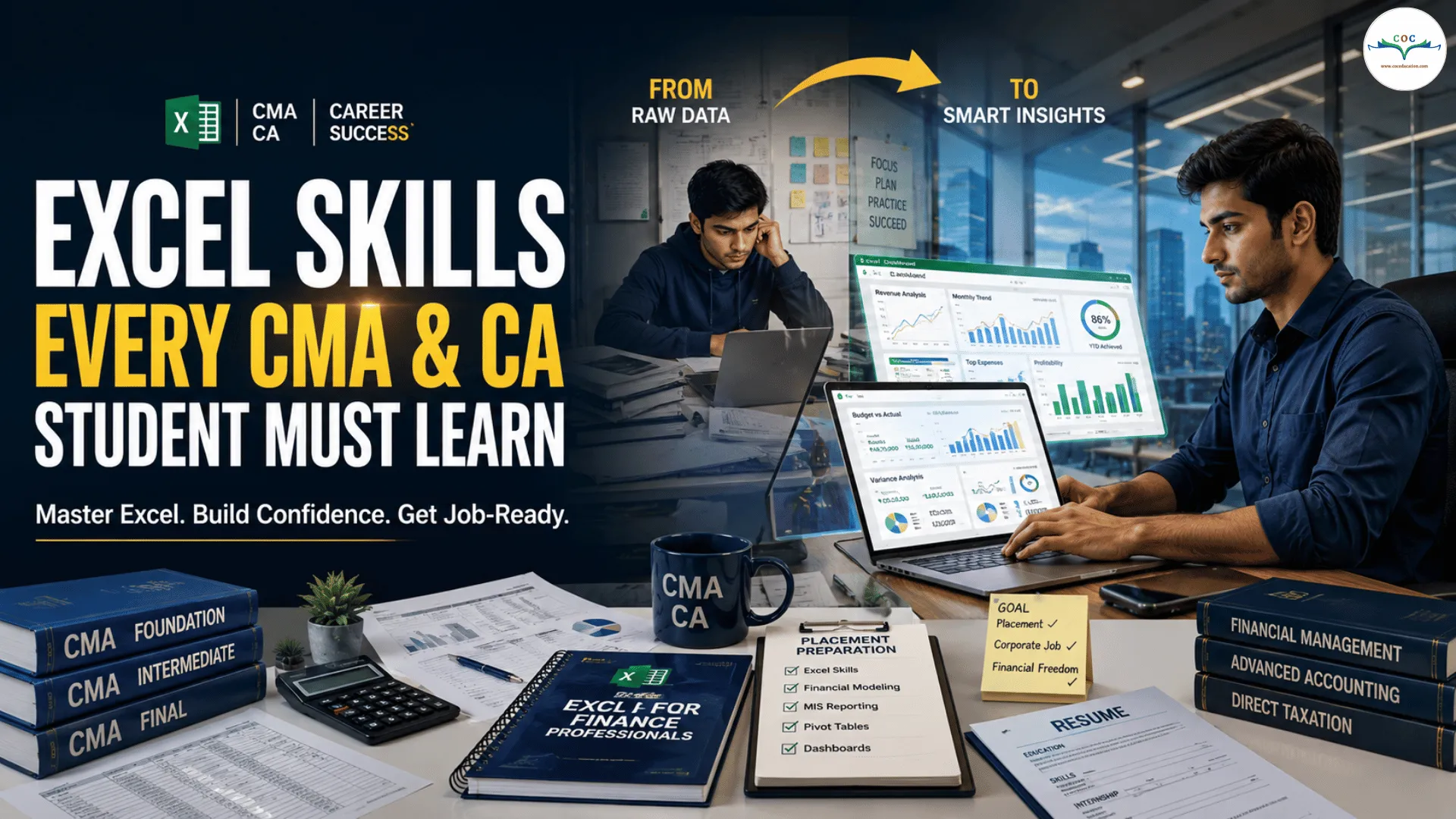
Excel Skills Every CMA & CA Student Must Learn
Introduction
In today's finance and accounting world, technical knowledge alone is not enough. Employers expect CMA and CA students to have practical skills that help them work efficiently from day one.
Among all the tools used in finance, accounting, taxation, auditing, and business analysis, Microsoft Excel remains one of the most important.
Whether you're preparing for articleship, internships, campus placements, or your first corporate job, strong Excel skills can give you a significant advantage.
Let's explore the Excel skills every CMA and CA student should learn to become job-ready and industry-ready.
Why Excel Is Important for CMA & CA Students
Almost every finance-related role requires working with data, reports, financial statements, budgets, and reconciliations.
Excel helps professionals:
Analyze financial data
Create reports quickly
Perform calculations accurately
Track business performance
Present information professionally
Save time through automation
In many organizations, Excel is considered the language of finance.
Basic Excel Skills Every Student Must Know
Before learning advanced tools, students should be comfortable with the fundamentals.
Data Entry and Formatting
Learn how to:
Format tables
Use cell references
Apply number formats
Create professional-looking reports
Manage worksheets effectively
A well-formatted spreadsheet improves readability and professionalism.
Sorting and Filtering
Finance professionals often work with large datasets.
Sorting and filtering help you:
Find information quickly
Organize records efficiently
Analyze specific transactions
Review financial data accurately
These are among the most frequently used Excel features in corporate jobs.
Essential Excel Formulas
Formulas help automate calculations and improve productivity.
SUM, AVERAGE, MIN and MAX
These basic formulas are used daily for:
Financial analysis
Budget preparation
Cost calculations
Reporting
IF Function
The IF function allows users to make logical decisions within spreadsheets.
Example applications:
Tax calculations
Eligibility checks
Financial classifications
Performance evaluations
COUNTIF and SUMIF
These functions help analyze data based on specific conditions.
They are useful for:
Expense tracking
Sales analysis
Cost reporting
Financial summaries
VLOOKUP and XLOOKUP
One of the most valuable Excel skills for finance professionals.
These functions help:
Match records
Retrieve information from large datasets
Reconcile financial data
Verify transactions
Practical applications include:
GST reconciliation
Vendor analysis
Customer reporting
Inventory management
Students who master lookup functions often gain confidence in handling real-world finance tasks.
Pivot Tables
Pivot Tables are among the most powerful tools in Excel.
They help summarize large amounts of data within seconds.
Benefits of Pivot Tables
Quick data analysis
Financial reporting
Expense summaries
Budget reviews
Business performance analysis
Instead of manually preparing reports, Pivot Tables can generate insights instantly.
Conditional Formatting
Conditional Formatting helps highlight important information automatically.
Examples include:
Overdue payments
Negative balances
High-value transactions
Target achievements
This feature improves report presentation and data visibility.
Charts and Graphs
Businesses rely heavily on visual reporting.
Learning how to create:
Bar charts
Pie charts
Line graphs
Trend analysis charts
can help students present financial information more effectively.
Visual reports are easier to understand and support better decision-making.
Data Validation
Data Validation helps reduce errors in spreadsheets.
It allows users to:
Create dropdown lists
Restrict incorrect entries
Improve data accuracy
Standardize reporting formats
This feature is widely used in accounting and finance processes.
Financial Reporting Skills
CMA and CA students should learn how to prepare:
Budget reports
Expense reports
MIS reports
Profitability analysis
Financial summaries
Excel makes financial reporting faster and more professional.
Dashboard Creation
Modern organizations prefer visual dashboards over lengthy reports.
A dashboard combines:
Charts
KPIs
Performance metrics
Financial summaries
into a single interactive view.
Learning dashboard creation can significantly improve employability.
Excel Skills That Impress Recruiters
If you're preparing for placements or interviews, focus on these high-demand skills:
Must-Learn Excel Skills
Pivot Tables
XLOOKUP / VLOOKUP
IF Functions
SUMIF & COUNTIF
Conditional Formatting
Data Validation
Financial Reporting
Dashboard Creation
Charts and Graphs
Basic Data Analysis
These skills are frequently mentioned in finance and accounting job descriptions.
How Excel Helps in CMA & CA Careers
For CMA Students
Excel is useful in:
Cost Analysis
Budgeting
Financial Planning
Management Reporting
Performance Analysis
For CA Students
Excel is useful in:
Auditing
Taxation
Financial Reporting
GST Reconciliation
Compliance Management
Regardless of specialization, Excel remains a core professional skill.
Thoughts
Knowing Excel concepts is useful, but employers value candidates who can apply those skills in real business situations.
At Chartered Finance Management (CFM), students learn practical Excel skills that are used every day in finance, accounting, auditing, taxation, and corporate reporting roles. Excel is one of the few skills that can immediately improve your productivity, confidence, and employability.
The sooner you start learning Excel, the better prepared you will be for internships, placements, articleships, and corporate careers.